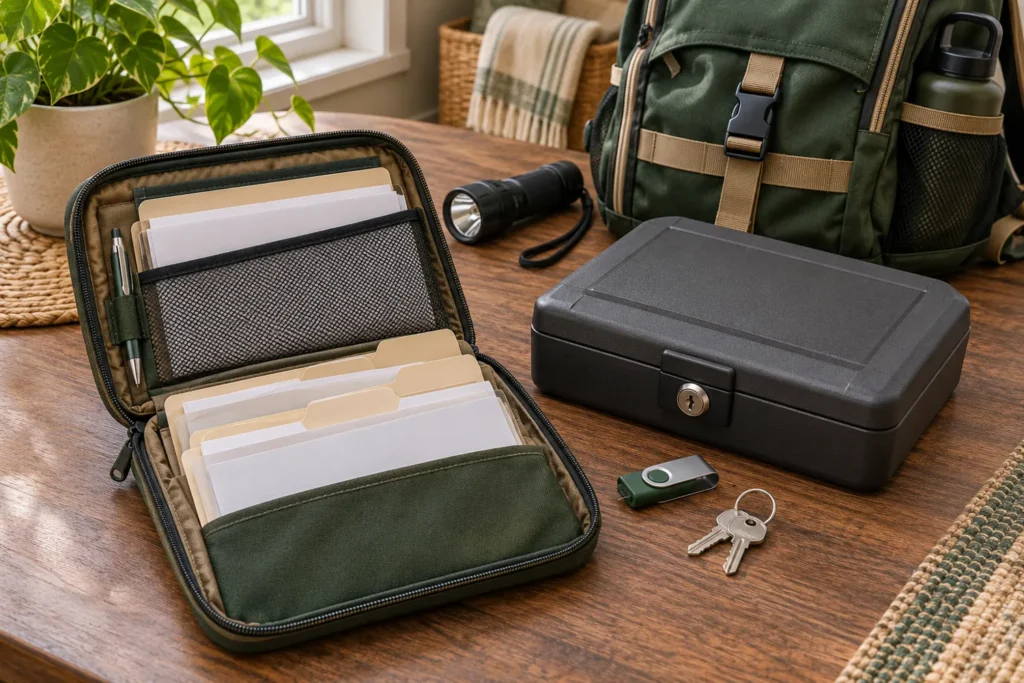
Emergency document storage should keep essential records protected and reachable. Your house may survive a disaster while the paperwork you need becomes impossible to reach. You still have to identify yourself, call the insurer, explain a prescription, or show that you live at the address. Build a small, protected document system before that happens. You do not need to haul a filing cabinet into an evacuation shelter. You need the few records that let you take the next step when the power is out, the internet is down, and offices are closed.
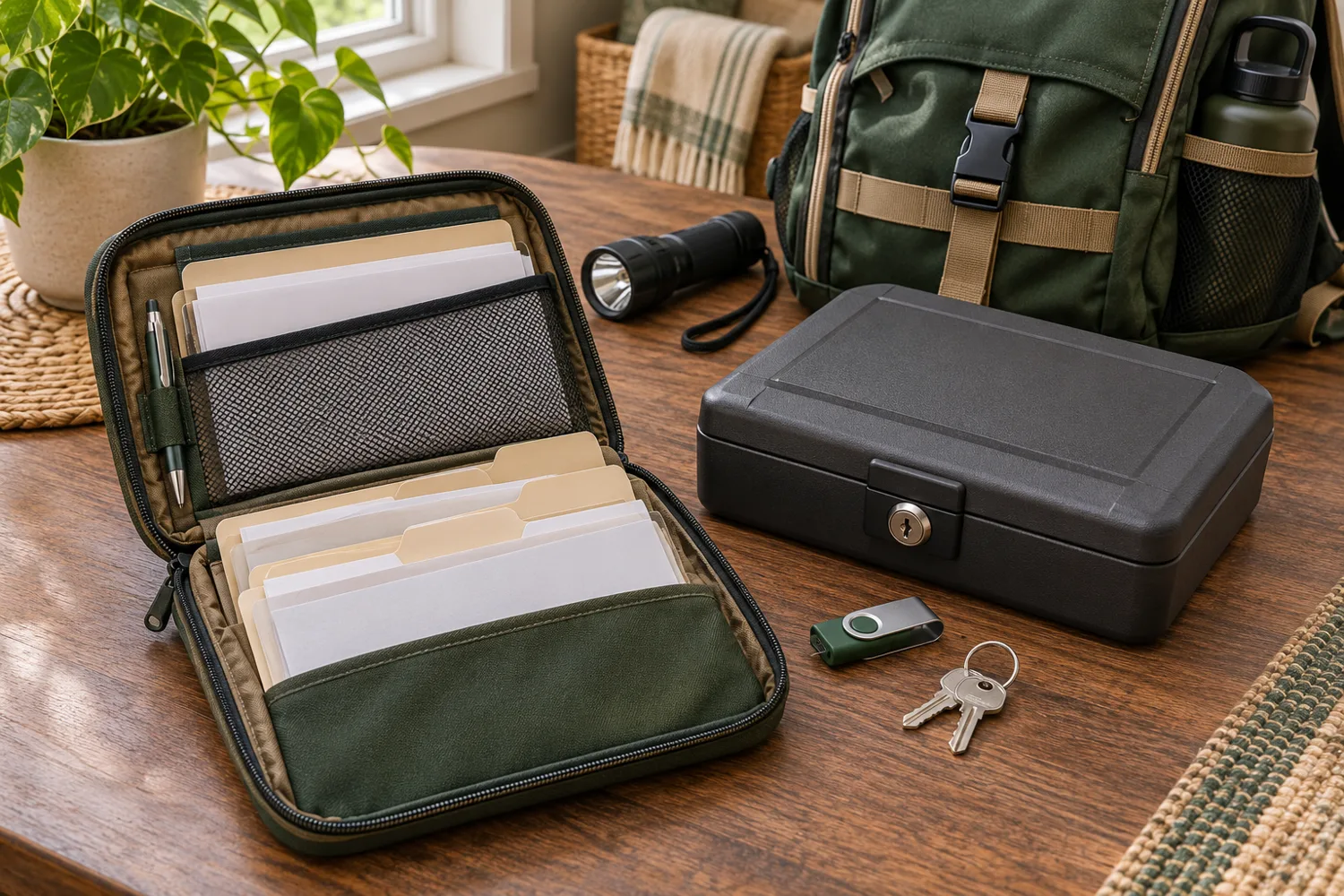
Build emergency document storage in three layers: a slim packet of essential copies you can carry, protected originals you can retrieve, and encrypted digital backups kept away from the same hazard. Add a fourth requirement to every layer: a trusted second person must know how to use it. If you are away or injured, someone else must be able to find the folder and use it.
Emergency Document Storage: Start With the Tasks
Imagine leaving home with fifteen minutes' notice. By evening you need to show identification at a shelter, tell a doctor which medicine a family member takes, contact an insurer, and prove you live at your address. You may have no printer and unreliable cell service.
Now imagine the opposite: you shelter at home through a weeklong outage. Your phone battery dies, the bank's website is unavailable, and the paper folder is somewhere you cannot remember. Good emergency document storage works in both situations.
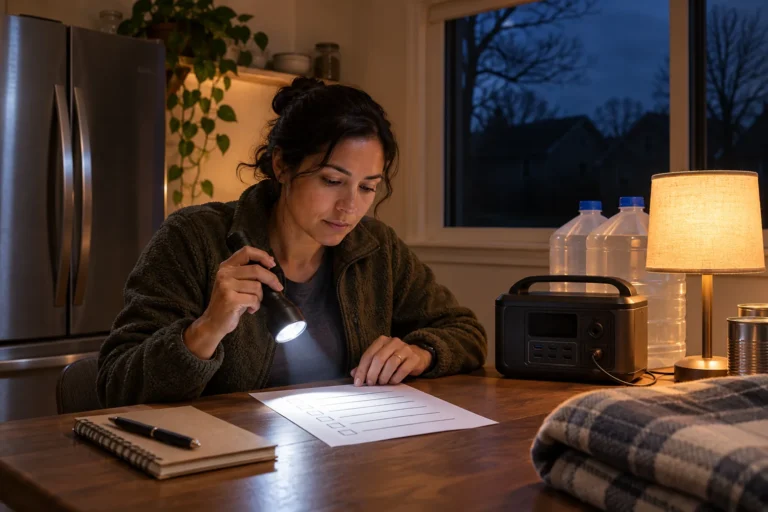
Write five headings on one sheet: identity, health, home and property, money, and contacts. Under each, write the specific task the record would support: check in, obtain care, report a claim, reach funds, or reunite. Then list only the records needed for those tasks. Mark each item P (portable copy), O (protected original), or D (digital backup); some belong in more than one category.
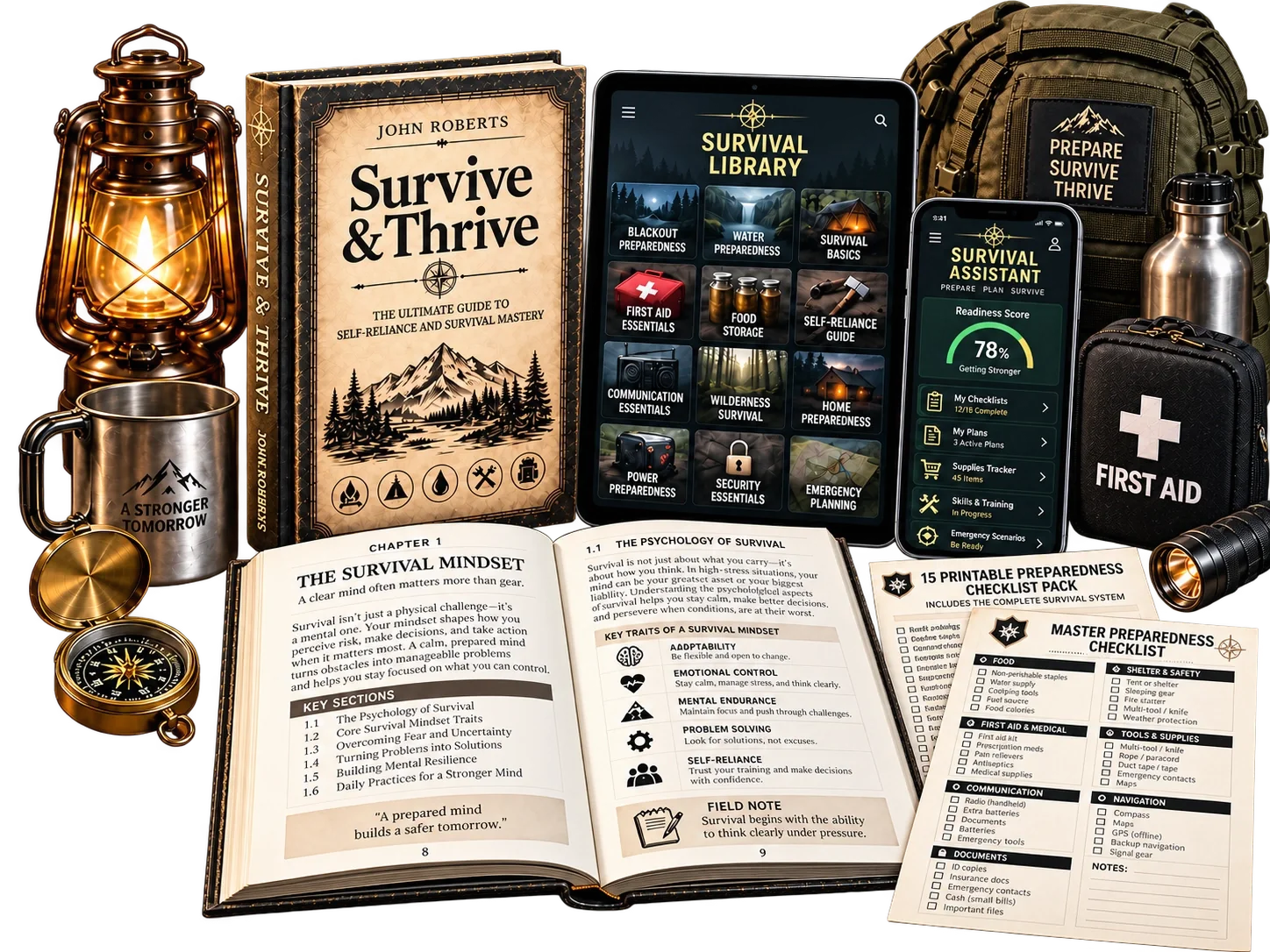
Now you know what travels, what stays protected, and what needs a backup. You are sorting records by what they must do, not by how much paper you own. Use the emergency binder printable to organize your contact and document index.
Decide what goes into the portable packet
The packet should fit in a small water-resistant pouch inside your evacuation bag. Include copies rather than irreplaceable originals unless a particular trip or requirement calls for the original. Do not automatically photocopy every sensitive record: where a phone number, policy reference, or document location will do the job, carry that instead. Before adding a page, ask what a stranger could learn from it if the pouch were stolen.
Identity and household: copies of current photo identification for adults, birth-certificate details or copies where appropriate, a household member list, emergency contacts, and proof of address such as a recent utility statement or lease. If custody, guardianship, or caregiving arrangements could matter, include the relevant documents or a reliable route to them.
Health: a current medication list with drug name, dose, schedule, allergies, essential medical conditions, prescribing clinician, pharmacy, insurance information, and instructions for critical equipment. In the first hour, a clear medication list may do more good than a thick stack of medical records. Date it, and update it whenever treatment changes. Keep the list private.
Home and property: insurance company names, policy numbers, claims phone numbers, mortgage or landlord contact details, vehicle identification and registration information, and a short inventory of major property. Photos of rooms, serial numbers, and receipts are better kept in the digital backup than printed by the hundreds.
Money: bank and card issuer contact numbers, institution names, the last four digits of key accounts where sufficient, and a practical way to access funds. Do not put a complete set of account numbers, PINs, passwords, and identification copies together in an unprotected bag. That would turn a lost evacuation pouch into a serious identity-theft risk.
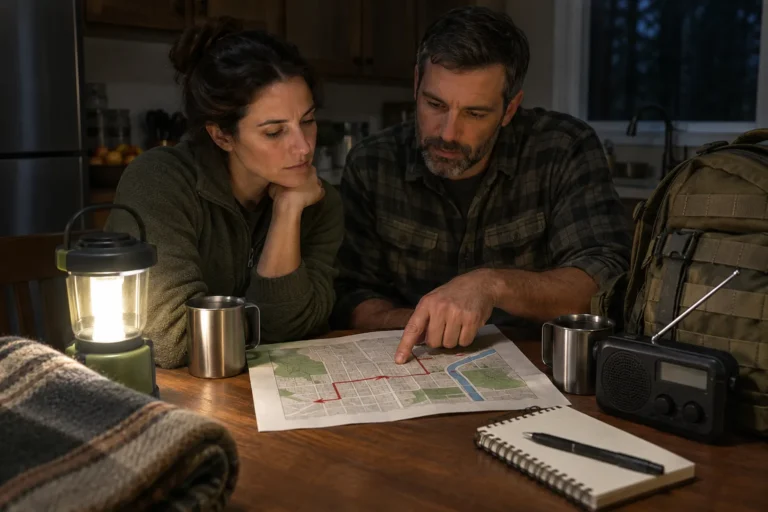
Contacts and reunification: an out-of-area contact, two local contacts, school or caregiver numbers, veterinarian and pet microchip details, and a written meeting plan. That sheet matters most on the day the phone with every number in it stops working.
Put a one-page index at the front. For each category, note what is in the pouch, where the original is stored, and who can retrieve the backup. Use descriptions such as “home policy: paper copy in pouch; signed original in locked box; scan in encrypted backup.” Do not put safe combinations, passwords, recovery codes, or a map to valuables on that sheet. If a record is missing, record the gap and the office or institution to contact for replacement.
Keep originals secure but retrievable
Some documents are difficult or slow to replace: passports, birth and marriage certificates, property deeds, estate documents, and citizenship records. The Federal Trade Commission recommends secure storage for important originals, with an accessible emergency file for records you may need quickly. Different originals have different handling requirements; for example, a will may need to be held according to your state's rules or by the professional who prepared it.
A lockable, water-resistant and fire-rated document box can reduce ordinary risks, but no consumer box guarantees survival in every fire or flood. Read the product's rating and protect the box from likely water exposure. Do not leave it where a rising flood will submerge it simply because the label says “fireproof.”
A safe deposit box may suit records you rarely need immediately, but it is not your evacuation packet. Banks can close during disasters, and access may be delayed. Check who is legally authorized to access the box and what happens if that person is unavailable. Keep its location and access procedure in a private index; do not assume a relative can simply show up and retrieve its contents.
Separate originals from the copies that travel. When you grab the evacuation bag, you should not have to choose between abandoning every record and carrying your entire identity archive through a crowded shelter.
Digital Emergency Document Storage Without Internet
Scan documents clearly, including the reverse side when it contains useful information. Give each file a plain name such as INSURANCE_HOME_2026 or MEDICATION_LIST_NOV_2026. Open each scan and confirm the text is legible; if you cannot read the scan, you have not saved the information.
Store one encrypted copy in a reputable account protected by a strong unique password and multifactor authentication. Keep another encrypted copy on a removable drive in a separate secure location. A drive in the same drawer as the originals can disappear in the same fire. Keep a short offline emergency contact sheet available even if encrypted files cannot be opened immediately; the full identity archive should remain protected.
Encryption matters because a lost flash drive can expose an entire household's identifying information. Use a storage method you know how to unlock. Test it on the actual device you would use during an outage. A password remembered only by an unavailable family member is another single point of failure.
Do not assume cloud access will work during an evacuation. Download a limited offline set to a secured device if that fits your household, and check that it remains accessible without a signal. Balance access against exposure: a permanently unlocked phone or unencrypted thumb drive is not a sensible emergency archive.
Never email a full packet of identity scans to yourself merely for convenience. Ordinary inboxes are easily overlooked as long-term repositories of sensitive attachments.
Give each person a role and an access path
An emergency document system fails when only one person knows it exists. Choose one person to maintain it and a backup person who can locate and use it. Tell adults in the household where the portable packet lives and how to reach the secure backups. For children, keep only age-appropriate emergency contact information in their bags.
If a household member depends on a caregiver, prepare the permissions and contact information relevant to that arrangement. For pet evacuation planning, keep vaccination information, a current photo, microchip number, and veterinarian contact available. Keep the arrangement simple enough that someone can use it while tired, worried, and in a hurry.
Do not put all access credentials on the same sheet as your identification copies. A password manager with a tested emergency-access arrangement may be appropriate, but the people involved must understand how it works before a crisis.
Run a ten-minute retrieval test
Choose a normal evening. Pretend the power is off and the internet is unavailable. Set a timer for ten minutes. Without prompting, ask the backup person to find the evacuation packet, locate the insurer's claims number, identify the current medication list, and open a non-sensitive sample file from the encrypted backup without the household's primary computer. Do not use a real identity scan as a demonstration file or expose credentials during the drill.
Record every failure. Was the folder in a locked room? Did the backup drive require software that was not installed? Was the medication list six months out of date? Was the only key on a key ring carried by someone away from home?
Fix what failed before you put the packet away. A neat folder on a shelf is not the test. Finding the right record in the dark is.
Protect the packet when you leave
Use a water-resistant inner pouch, then put it in a bag you can carry. Keep it out of public view. At shelters, hotels, and shared vehicles, do not leave it unattended. If a packet or drive is stolen, respond based on what it contained: contact affected institutions, replace compromised credentials, and consider a credit freeze where appropriate.
Copies help you explain your situation and begin a recovery process. They do not automatically replace certified documents or satisfy every agency's identity requirements. USAGov explains that replacing government identification often requires particular official records and procedures. That is why the original-storage and replacement-contact layers still matter.
If your home is damaged, document the damage when it is safe, keep receipts, and contact your insurer through a verified number. The emergency packet should help you begin that work without making you search through years of paper.
Keep it current without making it a chore
Review emergency document storage every six months and immediately after a material change: a move, new insurance, new medication, new vehicle, birth, death, or change in caregiver. Medication and contact details cannot wait for a six-month calendar reminder. Replace outdated pages rather than stacking new copies on top of old ones.
Use a date on the front index: “Checked November 2026.” Reopen a few digital files at each review and verify that the encryption key or password-recovery method still works. Dispose of obsolete sensitive paper securely. Keep the household inventory and insurance coverage current, but avoid storing more personal information than the emergency purpose requires.
The final test is simple: do you know which record you need, where it is, and whether the person who needs it can open it now?
Sources
Federal Trade Commission, “How To Organize Your Important Papers Before a Disaster Strikes”: FTC disaster document organization guide
Federal Trade Commission, “Protecting your personal information: Which documents to keep and which to shred”: FTC document retention and disposal guide
USAGov, “How to replace lost or stolen ID cards”: USAGov identity document replacement guide
Key Takeaways
Keep a portable packet of essential copies, protect irreplaceable originals separately, and maintain an encrypted backup outside the same physical risk area. Plan for both evacuation and a no-internet outage. A document copy helps you start; it is not always a legal substitute for an original or certified copy.
Step-by-Step Actions
- List the identity, health, home, money, and contact records your household would need in the first days of an emergency.
- Assemble a slim packet of essential copies and a dated one-page index.
- Place originals in secure storage suited to their importance and access needs.
- Scan important records, verify legibility, encrypt the backup, and store a second copy separately.
- Give a trusted backup person a tested way to find and open the records.
- Run a ten-minute offline retrieval drill and correct what fails.
- Review the system every six months and after major household changes.
Checklist
- Current identification copies and proof-of-address information
- Medication, allergy, clinician, and pharmacy list
- Insurance policies, claims numbers, and property contacts
- Emergency contacts and household reunification plan
- Pet and caregiver records where applicable
- Secure storage for irreplaceable originals
- Legible, encrypted digital backup in a separate location
- Tested offline access and trusted backup person
- Portable packet protected against water and casual theft
- Review date written on the front index